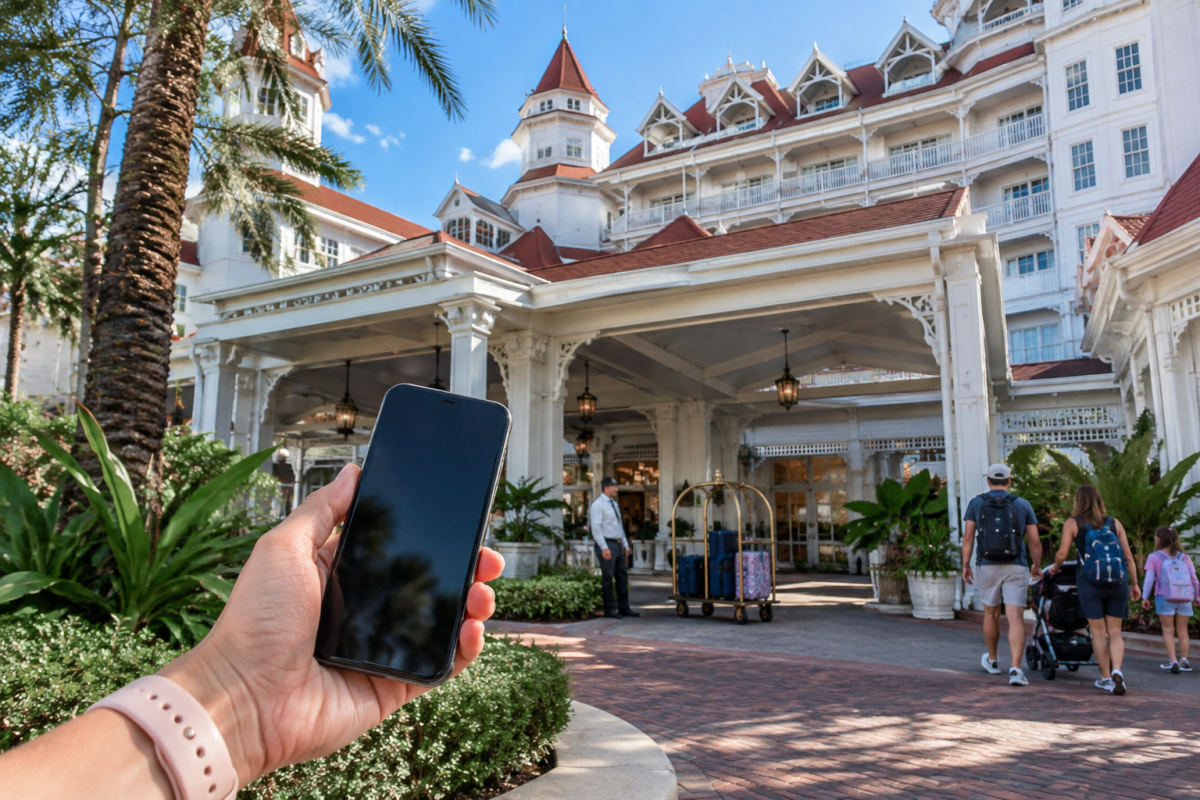
Disney World’s Direct-to-Room service is one of the easiest ways to make arrival day feel less like hotel logistics and more like vacation. Complete Online Check-In before you reach your Disney Resort hotel, keep the My Disney Experience app signed in, and you can head straight to your assigned room once Disney sends the ready notification—no traditional front-desk stop required.
It is available to guests staying at Disney Resort hotels, including Disney Deluxe Villas. The key is to think of Online Check-In as the setup step and Direct-to-Room as the arrival-day payoff.
Set up Online Check-In before travel day
Start by linking the resort reservation to the MyDisney account you use in the My Disney Experience app. Reservations booked directly through Disney may appear automatically; if yours does not, add it manually using the reservation information.
In the app, open your resort reservation and choose Online Check-In. Review the details carefully, add a payment card if you want room-charge privileges, and complete the prompts. The card used for Online Check-In can cover eligible room charges and incidentals. Guests age 10 and older on the reservation are generally given charging privileges automatically, so families who want tighter control should speak with the front desk about changing those permissions.
Before leaving home, make sure everyone’s park tickets, resort stay and any MagicBands are assigned to the right people in My Disney Experience. It is also smart to update the app, allow Bluetooth access and sign in on the phone you expect to carry. A small portable phone charger is particularly useful on arrival day, when your phone may be handling resort maps, room access and dining plans all at once.
What happens on arrival day
Disney sends real-time room-status updates through My Disney Experience. When the room is ready, the app provides the room number and arrival information; you can then use the resort map to find your building and room.
Disney lists standard check-in times of 3 p.m. for Disney Resort hotels and 4 p.m. for Disney Deluxe Villas. Treat those as the hotel’s stated check-in times, not a cue to line up at the desk: the notification in the app is what tells you that your specific room is available. If you arrive early, leave luggage with Bell Services if needed, explore the resort, or head out for the day. Resort guests can access certain resort areas, including pools, before the room is ready when using an active Disney band or the app’s Unlock Door feature.
MagicBand, MagicMobile or phone: what opens what?
An active MagicBand or MagicBand+ is the simplest all-purpose option. It can unlock a Disney Resort hotel room, tap into the parks with valid admission and any required reservation, and handle other linked vacation functions such as eligible room charges and Lightning Lane or virtual-queue touchpoints.
Planning Your Trip
Undercover Tourist is an authorized seller of Walt Disney World tickets, often at a discount off gate price.
No band? You can unlock your resort room with the My Disney Experience app. Open the resort reservation, select Unlock Door, approve Bluetooth access if prompted, then hold the phone to the lock. The feature also works at many common-area doors and gates, such as pool, elevator, arcade, fitness-center and Club Level access points.
Disney MagicMobile is slightly different: it is the digital pass you add from My Disney Experience to an eligible iPhone, Apple Watch or Google Pay-enabled Android phone for tap-style theme-park entry and select Disney services. Set it up in the app’s Disney MagicMobile section, choose a pass design and add it to your phone’s digital wallet. For the hotel-room door itself, use the app’s separate Unlock Door feature unless you are using a MagicBand or a physical Key to the World card.
For park entry, remember that a MagicBand or MagicMobile pass is the access method—not the admission itself. Your ticket must be properly linked, and some ticket types or visit dates can still require a theme park reservation. If you are sorting out admission alongside your hotel plans, compare Disney World ticket options before arrival.
When you should still visit the front desk
- Your room is ready but the app or band will not unlock the door. First try the app’s resort-contact option; if that does not solve it, the desk can help.
- You lost the phone used for room access. Report it to the front desk promptly so your access can be addressed securely.
- You want a physical Key to the World card or need help with a band, account link or room-access setup.
- You need to change charging privileges or the payment method tied to room charges.
- You need in-person accessibility assistance, have a room concern, or simply prefer a Cast Member to walk through the arrival details.
There is no prize for bypassing the lobby. Direct-to-Room is there to save time when the app is working smoothly, while the front desk remains available whenever the human touch is more useful.
Practical takeaway: Complete Online Check-In and test your app login before flying or driving to Orlando, but wait for the room-ready notification before making the walk to your building. Check current app features and resort procedures shortly before your trip, since Disney can update the process.