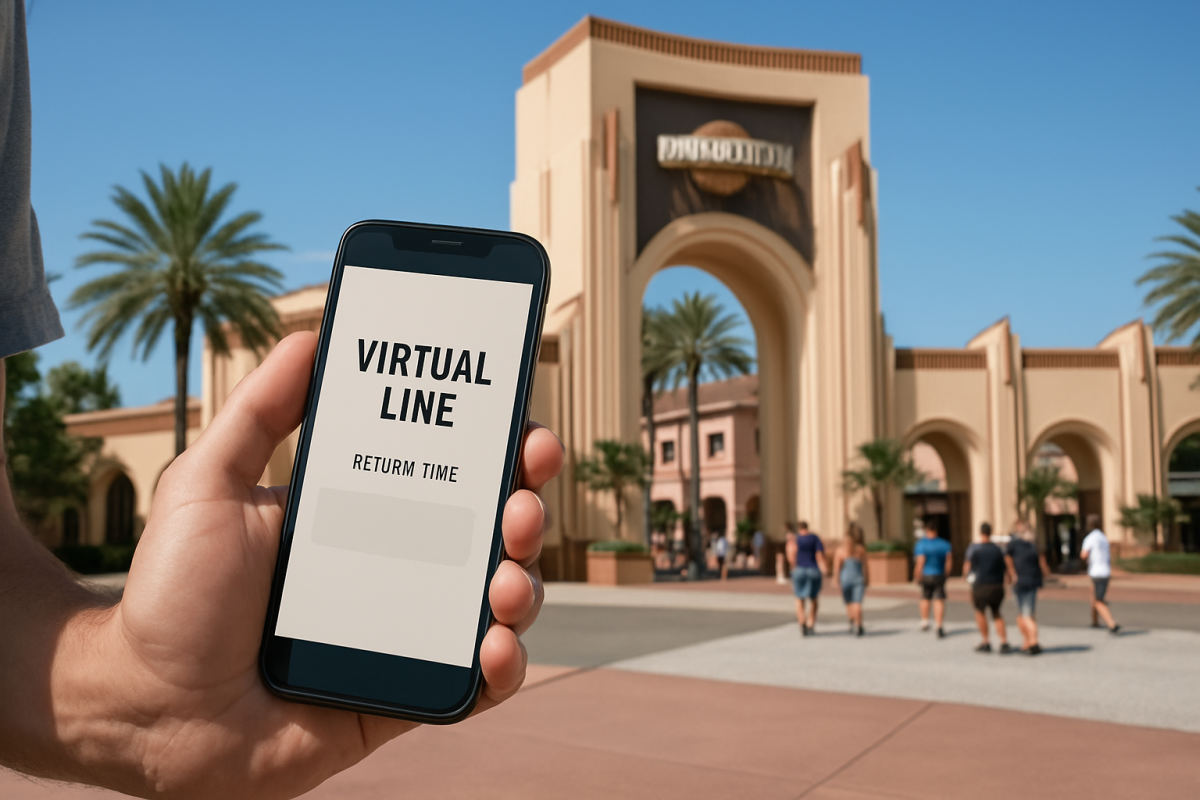
Universal Orlando’s Virtual Line is a return-time tool, not a permanent skip-the-line perk. When Universal activates it for a select ride, event, or experience, you choose an available arrival window in the official Universal Orlando Resort app, then enjoy the park until it is time to return. The important planning detail for 2026: Virtual Line is not a standard, all-day system currently assigned to a fixed list of attractions. Universal can turn it on or off as crowd levels, operations, and the experience itself require.
That means there is no dependable daily opening time, no universal list of participating rides, and no reason to plan a whole park day around getting one. Check current details before you go—and again in the app once you are inside the park.
Where to find Virtual Line return times in the app
Download and update the Universal Orlando Resort app before your visit, sign in to a Universal Account, and set up your Travel Party if one person will be coordinating plans. When Virtual Line is running, start with the attraction’s listing in the app’s interactive park map or attraction directory. A Virtual Line option and available return windows will appear on the relevant attraction page; if there is no Virtual Line button or no listed time, it is not available at that moment.
Keep location services and notifications enabled while you are at the resort. The app uses your in-park location for several features, and a little advance setup saves precious time if a popular return-time release appears. A compact portable phone charger is genuinely useful on a long park day, especially if your group is checking wait times and mobile orders from one phone.
When do reservations open?
There is no single, published Virtual Line drop schedule that applies across Universal Orlando. Depending on the attraction and the day, return times may be released at announced times, released in batches, or become available only when operations call for them. In other words, do not assume that reservations open at park opening—or that a time will be available simply because a ride is busy.
If Virtual Line is used for an especially popular experience, look for same-day instructions in the app, at the attraction entrance, and on Universal’s official park updates. Be ready a few minutes ahead of any announced release, but avoid repeatedly refreshing all day if the app does not show an active queue. The system is intended for select experiences, not every lengthy standby wait.
How party reservations work
Before choosing a return time, the app will ask for the size of the riding group and, when applicable, let you select people from your Travel Party. Make the reservation only for the guests who genuinely intend to ride. Availability can be limited, and a large party may find fewer time choices than a pair or solo visitor.
It is smartest to have one adult manage the reservation rather than having several people make competing attempts. Confirm the attraction, return window, and party count on the final screen, then take a screenshot as a backup. Everyone reserved should stay together when returning, because the attraction team may need to verify the group at the entrance. A return time is not permission for part of the party to arrive much later and expect the group to be held.
Planning Your Trip
Undercover Tourist is an authorized seller of Universal Orlando tickets, often at a discount off gate price.
What happens if you miss the window?
Treat a Virtual Line return time as a firm appointment. Universal does not publish one permanent grace-period rule for every Virtual Line use, so a late arrival may be declined, especially when capacity is tight. If you are running late because of a weather delay, ride closure, accessibility need, or another issue outside your control, politely ask the Team Member at the attraction entrance or visit Guest Services. Help is possible, but it is not something to count on.
Build in a buffer: aim to be near the attraction several minutes before the start of your window, particularly if you are walking from another park area, stopping for a locker, or traveling with young children.
Virtual Line vs. standby and Express
Virtual Line is separate from both standby and Universal Express. Some attractions may offer standby alongside Virtual Line; others may temporarily require Virtual Line instead of accepting a standard standby queue. The app and entrance signage on that day are the final word.
Standard Universal Express and Universal Express Unlimited use designated Express queues at participating attractions, generally without a booked arrival window. Participation varies by ride and can change, so check the current attraction list when comparing Universal Orlando tickets and Express options. Do not assume that Express automatically replaces a Virtual Line reservation if an attraction is operating virtually.
Also do not confuse Virtual Line with Universal Express Now. Express Now is a separate, paid, day-of app option for a limited selection of rides, using one specific entry window. It is available only in the participating park when capacity allows, and missing that Express Now window forfeits the purchase.
Practical takeaway: Think of Virtual Line as an occasional operational tool. Set up the app before arrival, watch the attraction page on the day, choose only the riders in your group, and get back to the entrance early rather than gambling on a grace period.