Epic Universe is built around one of the most theatrical ideas in modern theme-park design: you don't just walk from one land to the next — you pass through a portal. Each of the four themed worlds surrounding Celestial Park has its own grand threshold, and stepping through it is meant to feel like leaving one dimension entirely. Universal is now layering technology on top of that moment, and if you're planning a visit, understanding how it works will help you avoid any unpleasant surprises mid-day.
What Is the Virtual Line, and Can It Block Portal Entry?
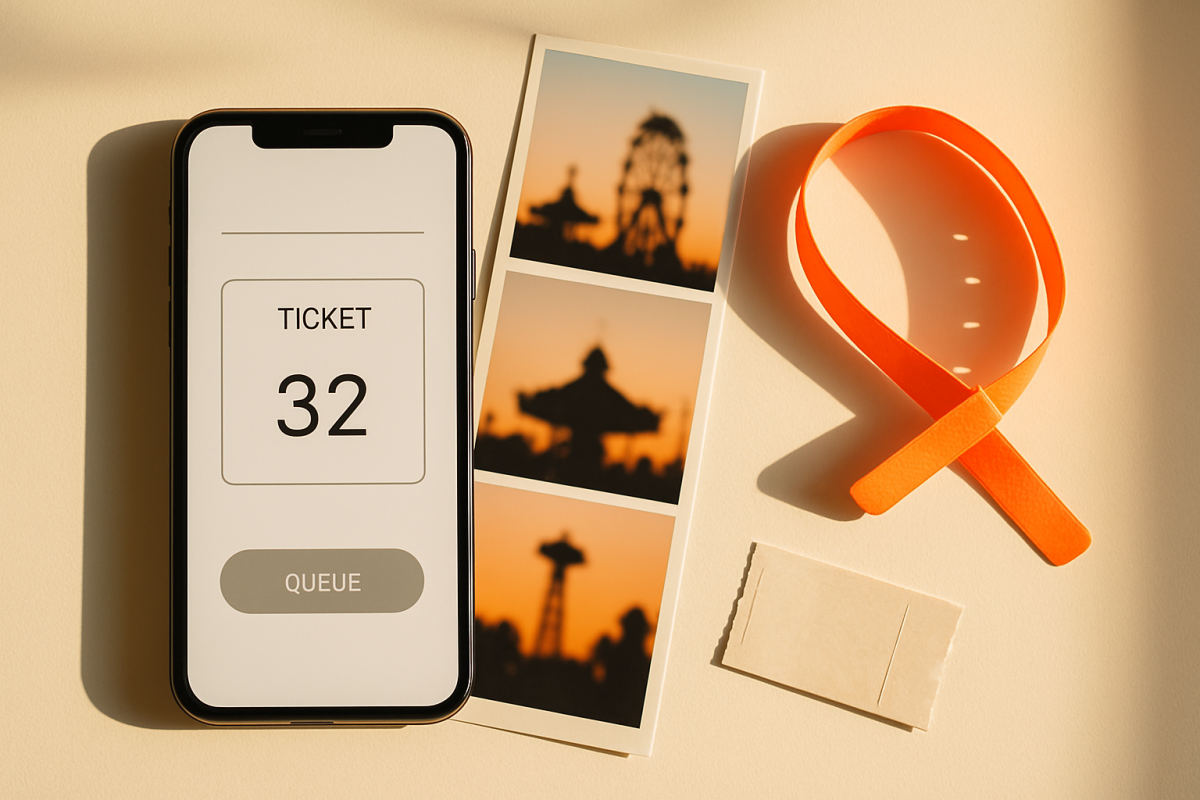
Universal's Virtual Line system lets guests claim a return time through the Universal Orlando app rather than waiting in a physical queue. Until recently, it was used primarily for individual attractions — most notably Harry Potter and the Battle at the Ministry, which has operated exclusively on a Virtual Line since the park opened because of its complexity and intermittent downtime. But Universal has now officially confirmed, via language added to its Photo Validation webpage, that return times may also be required to enter an entire world. The relevant line reads that Virtual Line return times "may be used for various experiences, including select attractions and entertainment throughout Universal Orlando Resort as well as world entry at Universal Epic Universe." That is the first time Universal has formalized the concept of a timed entry requirement to walk into one of the park's themed lands.
To be clear about where things stand today: portal-level Virtual Lines have rarely been activated since the park opened in May 2025. Epic Universe has deliberately operated below full capacity, and most guests have moved freely between worlds. The infrastructure is being tested and confirmed, but the trigger for it to activate is meaningfully higher attendance — think peak summer weekends, Florida resident ticket promotions, or the eventual rollout of Epic Universe Annual Passes. Super Nintendo World and the Ministry of Magic are the two worlds most likely to require a world-entry return time first, as they consistently draw larger crowds than the other lands. Always verify the current status in the Universal Orlando app before and during your visit, since this is exactly the kind of operational detail that can change from one week to the next.
How to Get a World-Entry Return Time (If One Is Required)
- Open the Universal Orlando app and have all tickets linked. Every member of your party needs their ticket connected to your account before you can claim a return time for the group.
- Watch for Virtual Line icons on the attraction or world pages. When a Virtual Line is active, the button turns blue. If it appears gray, the system isn't live for that world at that moment — or slots have already filled.
- Move fast when drops happen. For Battle at the Ministry, scheduled drops have occurred at 11 AM, 3 PM, and 6 PM, with additional unannounced slots appearing throughout the day. If world-entry Virtual Lines follow a similar rhythm, those same windows are worth watching. Once the button goes blue, select your party size and tap a return time immediately — don't deliberate.
- Use cellular data, not park Wi-Fi. Park Wi-Fi tends to slow down exactly when everyone else is trying to grab the same drop. Your cell connection will typically give you a faster response.
- Try stepping out of Super Nintendo World before attempting a booking. Some guests have reported that certain spots inside that land confuse the app's location detection; moving to a different area of Celestial Park before grabbing a return time can resolve this quirk.
What Is Photo Validation and How Does It Work at Portals?
Photo Validation is Universal's facial-recognition-based entry system, already in use at park gates and select Express Pass queues across Universal Studios Florida and Islands of Adventure. Instead of scanning a ticket or tapping a phone at each checkpoint, cameras mounted on stanchions at the portal entrance recognize your face and confirm your admission automatically. The experience from a guest's perspective is seamless: you approach, the system reads your face, and you walk through — no fumbling required. Enrollment happens at your first point of entry using the Universal Orlando app or at the park gate, where the system creates what Universal calls a Photo Template, a unique data set derived from your facial geometry. Importantly, Universal specifies that photographs themselves are not stored; the template is a mathematical representation of your features, similar in concept to Face ID on a smartphone. That template is retained for no longer than six months after your ticket expires, then deleted.
At the portal level, Photo Validation is specifically paired with the Virtual Line system. When a world-entry return time is required, the cameras at that portal's stanchions verify that you're the ticket holder with a valid return time — without requiring you to pull out your phone or any physical credential. It is designed to keep the portal-crossing moment immersive and frictionless precisely when capacity pressure would otherwise create a bottleneck.
What If You'd Rather Not Participate?
Photo Validation is entirely optional. Universal has confirmed that guests can opt out at the park entrance, at Guest Services, or in Universal Express lines at select attractions. If you opt out, you'll be asked to present a valid photo ID along with your physical ticket or pass when entry verification is needed. Any stored photo data is deleted upon opting out. Guests who change their minds can re-enroll at the same locations. Keep in mind that if world-entry Virtual Lines are active and you've opted out, you'll go through a manual check rather than the camera lane — which could mean a slightly slower process at a busy portal. Always confirm the current opt-out procedure directly with a Team Member on your visit day, as Universal continues to refine how the system works in practice.
What This Means for Your Touring Plan
Even on days when portal Virtual Lines are not active, this system reshapes how you should think about your day. Super Nintendo World is already the world most likely to reach capacity constraints at midday — targeting it at rope drop or in the final hour of the evening is the most reliable strategy. If a world-entry return time does activate while you're visiting, treat it the way seasoned guests treat any Virtual Line: grab your window as early as possible, use the time before your return to cover another world or grab a meal in Celestial Park, and plan to spend a full chunk of time inside the gated land once you're in, rather than bouncing in and out. Losing your window by leaving and re-entering without a new return time is a real risk if the system is running hot.
Keep the Universal Orlando app open and notifications on throughout your visit — that's your real-time dashboard for everything from return times to wait times to dining. A portable phone charger is genuinely useful here, since a dead battery at the wrong moment means missing a drop window entirely. And given how much time you'll spend moving through Florida sun between worlds, a cooling towel tucked in your bag makes those Celestial Park stretches between portal crossings considerably more comfortable.
The practical takeaway: For most visits right now, portals remain freely walkable and the system runs quietly in the background. But as Epic Universe ramps toward full capacity — whether through expanded ticketing, Annual Passes, or simply the passage of time — world-entry return times are a built-in tool Universal is clearly ready to deploy. Knowing how to use the app quickly and which worlds are highest risk puts you ahead of the crowd before the crowd even realizes there's a system to beat.