Mobile Order is one of the easiest ways to keep a Walt Disney World day moving: choose food in the My Disney Experience app, select an arrival window, then let the kitchen know when you are actually at the restaurant. It is available at select quick-service locations in the parks, Disney Resort hotels and Disney Springs, so it is worth downloading the app and signing in before your visit.
If you are still mapping out a park day, look at Walt Disney World ticket options early enough to match your dining plans to the park you will be visiting. A restaurant inside a theme park requires the appropriate park admission to reach it.
How arrival windows really work
In the app, tap the plus sign, choose “Order Food,” select a participating restaurant and pick from the arrival times currently available. You can build your order well before lunch or dinner, which is especially helpful when you are in an attraction line or taking a shaded break.
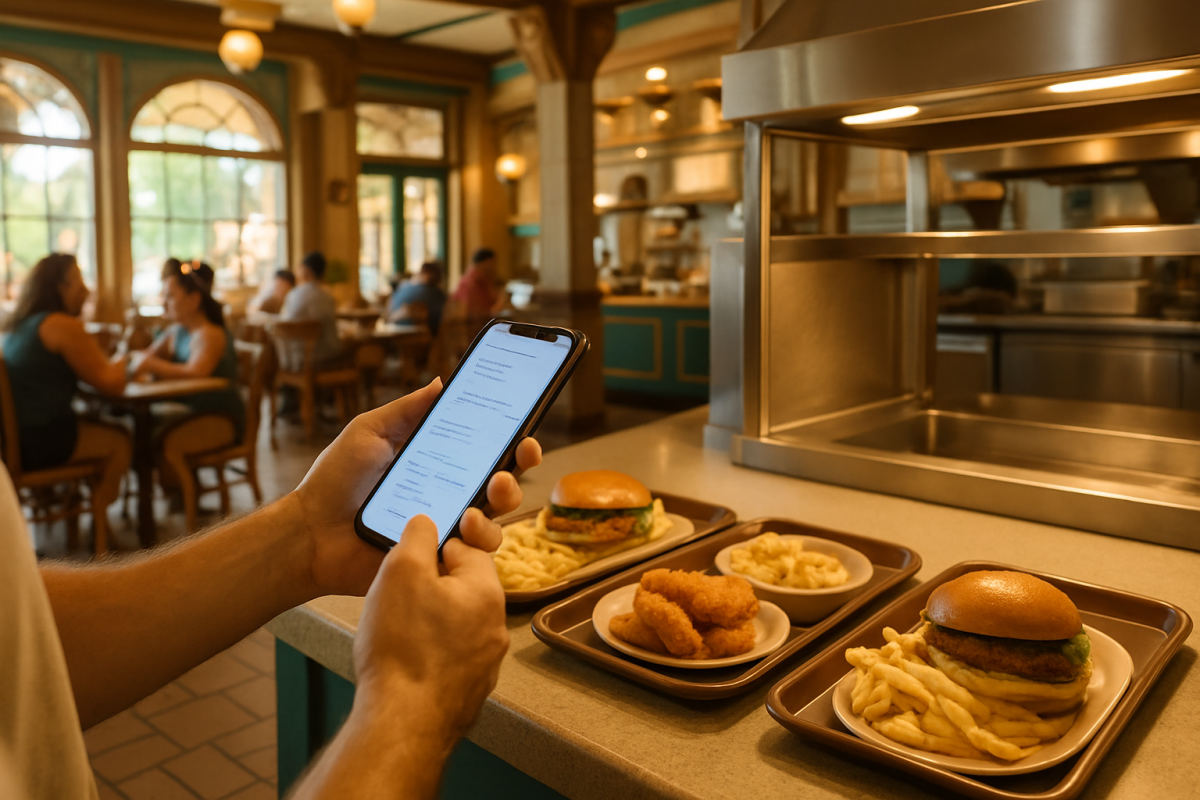
The key detail: an arrival window is not a promise that food will be waiting at the first minute of that window. It is the period when Disney expects you to be near the restaurant. Once you arrive, open your order and tap “I’m Here, Prepare My Order.” That is the signal for the kitchen to begin. A few minutes later, the app will alert you when the order is ready and direct you to the designated Mobile Order pickup counter.
In practical terms, do not hit the preparation button from across the park just because the window has opened. Walk to the restaurant first, particularly during the midday rush. If your party is still on a ride or needs a restroom break, wait until everyone is close enough that hot food will not sit. Arrival-window choices and restaurant availability can shift during the day, so check the app’s current details before you go.
Paying in the app
Mobile Order lets you review the total and choose payment as you place the order; cooking does not start until you use the arrival button. Disney currently lists credit cards, debit cards, Disney Gift Cards, Disney Rewards Redemption Cards, Apple Pay and eligible Disney Dining Plan entitlements as mobile-order payment choices.
A Disney Gift Card can be a handy budget tool for a food-focused trip, while Apple Pay is useful when you would rather not type card details on a busy park morning. Whatever method you use, keep an eye on your phone battery: mobile ordering, park maps and ride notifications add up fast. A compact portable phone charger is an easy item to carry in a day bag.
Using Disney Dining Plan credits
If your vacation package includes a Disney Dining Plan, mobile ordering can be used at participating quick-service locations. Choose the dining-plan option during checkout in the app, rather than paying out of pocket for an order you intended to cover with an entitlement. The app can also help you view remaining meal and snack credits through the “My Resort Stay” area.
Planning Your Trip
Undercover Tourist is an authorized seller of Walt Disney World tickets, often at a discount off gate price.
Before submitting, make sure the restaurant and items you selected fit the credit you mean to use. Participating locations and menus can change, and not every food-service spot accepts the plan. Credits roll over from day to day during your Disney Resort hotel stay, but unused meals and snacks expire at midnight on checkout day. For guests ages 3 through 9 using the plan, Disney says children should order from a children’s menu where one is available.
If you are sharing a meal stop with another travel party, take an extra moment to confirm whose plan is paying for which food before finalizing the order. It is much easier to sort out at checkout than after the kitchen has started.
Allergy orders: mobile ordering is only part of the process
Disney posts allergy-friendly menu information for many quick-service locations, including options related to common allergens and gluten. That makes the app useful for researching choices, but it should not replace a conversation with the restaurant team.
For an allergy request, tell a Cast Member at the dining location and speak with them when you pick up your mobile order. Disney’s process calls for an allergy-request order to be confirmed with a Cast Member; qualifying food may have a visual marker such as a pick, tray designation or allergy-friendly sticker for packaged to-go meals. Still, verify the meal verbally before leaving the counter.
If the app does not show an appropriate allergy-friendly item, ask to speak with a Special Diets-trained Cast Member at the location. Guests with more than one allergy request are encouraged to order from the allergy-friendly menu at the restaurant. For particularly complex needs—four or more allergy requests, puréed meals or medically restrictive diets requiring specialized preparation—Disney asks guests to contact its Special Diets team in advance, no earlier than 14 days before arrival. Restaurants make reasonable efforts to accommodate requests, but cannot guarantee an item is completely free of allergens or cross-contact.
Best takeaway: build the order when it is convenient, but wait to press “I’m Here, Prepare My Order” until your group is at the restaurant—and always slow down long enough to confirm a dining-plan redemption or allergy meal.