Standing in a 30-minute counter-service line while your family's hunger tips into full meltdown territory is, unfortunately, a classic Disney World experience. It doesn't have to be yours. The Mobile Order feature built into the My Disney Experience app lets you browse menus, pay, and lock in a pickup window entirely from your phone — so all you do at the restaurant is collect your food. Here's how the whole system works, and how to get the most out of it in 2026.
The Basics: How Mobile Order Works
Mobile Order is available at more than 60 locations across Walt Disney World Resort, spanning all four theme parks, both water parks, most resort quick-service food courts, and select spots at Disney Springs. To place an order, open My Disney Experience, tap the + icon at the bottom of the home screen, and choose Order Food. From there you'll see a list of participating locations organized by park or area, and you can filter by what's nearby or currently available. Browse the full menu, make customizations — many items let you swap sides or adjust toppings — then choose a payment method and confirm your order. Payment options include credit or debit card, Disney Gift Card, Apple Pay, Disney Rewards Redemption Card, or Disney Dining Plan credits. Once you've placed the order, the kitchen doesn't start cooking yet. That's intentional, and it's the key to the whole system.
Scheduling a Return Window in Advance
At the top of the ordering screen, you'll see two tabs: As Soon As Possible and Schedule for Later. The first shows you the next available pickup window at each restaurant. The second lets you browse future time slots — typically offered in 30-minute increments throughout the day — so you can stake out a lunchtime window hours before you're even hungry.
This scheduling feature is where savvy park-goers gain a real edge. Popular spots like Woody's Lunch Box at Hollywood Studios tend to fill up their peak-hour windows well before noon. Placing your order between 9 and 10 AM while you're waiting in a short morning ride queue is one of the smartest moves you can make. Mobile ordering is accessible in the app as early as 7 AM on the day of your visit, and you can book windows for breakfast, lunch, and dinner all in one go — just keep in mind that breakfast menu items only appear during breakfast hours. Also note that mobile ordering is same-day only; you can't pre-book for tomorrow from your couch at home.
If your plans shift, you can change the arrival window or cancel the order entirely at any point before the final step. Just open the app, pull up your active order, and select Change Arrival Window or Cancel Order. The only moment you're truly committed is once you tap that final button.
The "I'm Here" Button: Time It Right
Here's the detail most first-timers miss: placing a mobile order does not start food preparation. The kitchen only begins cooking once you tap I'm Here, Prepare My Order inside the app. This is a genuine feature — it means you're not racing back to a restaurant to collect food that's been sitting under a heat lamp since you were three rides away.
The practical play is to tap I'm Here when you're about five minutes away from the restaurant — ideally while you're still walking toward it. By the time you arrive, your order will likely be nearly ready or already waiting at the dedicated Mobile Order pickup counter. Tapping too early (say, while still queuing for an attraction across the park) can mean your food is ready before you are, and while Disney won't trash your order immediately, you don't want to leave fresh food sitting. Conversely, waiting until you're standing directly at the counter before tapping adds an unnecessary wait. The sweet spot is a brisk five-minute walk away.
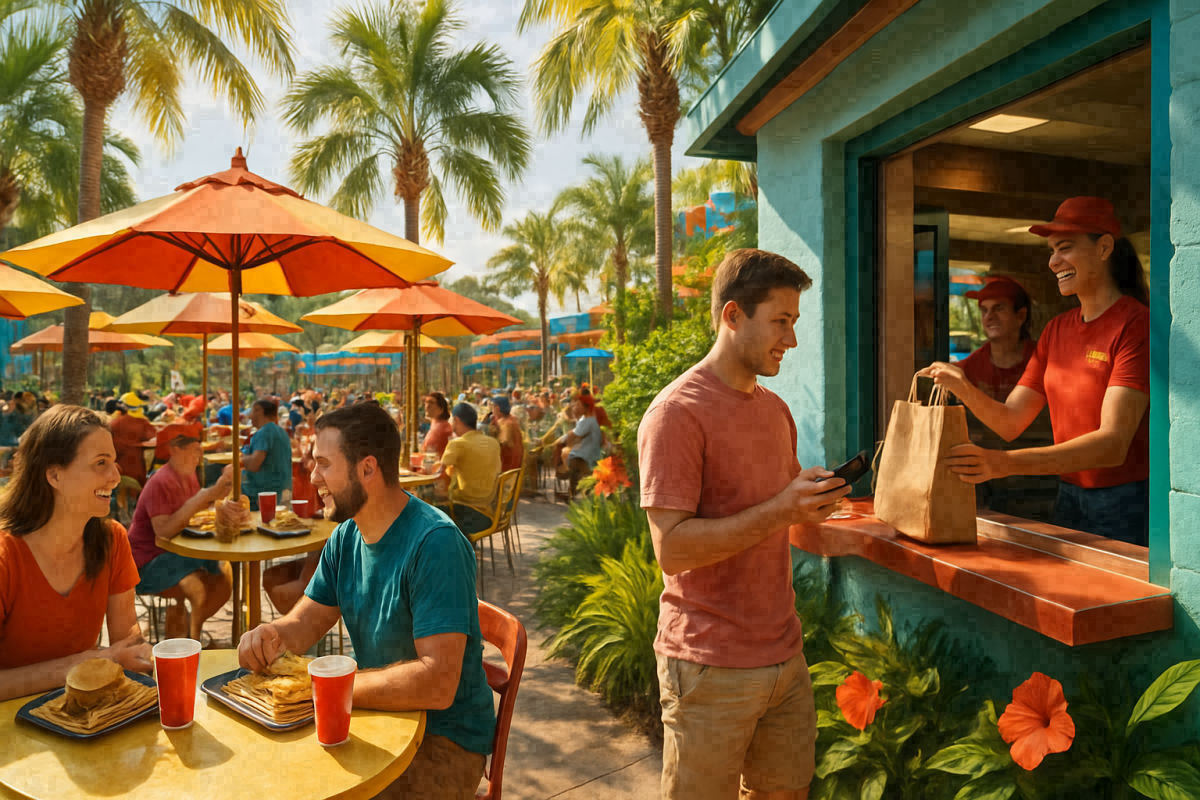
Once the kitchen finishes your order, you'll receive a push notification. Head to the clearly marked Mobile Order Pickup window at the restaurant and show your order number to the cast member — no standing in the regular ordering line required.
Using Disney Dining Plan Credits
If your vacation package includes the Disney Dining Plan, you can absolutely redeem Quick Service credits through Mobile Order — no need to interact with a cashier at all. When you reach the payment screen in the app, your Dining Plan credits will be available as a payment option, and the app will automatically apply them to eligible items. One thing to know: the app applies Dining Plan credits by default to all applicable items in your cart. If you'd prefer to pay out-of-pocket for a particular item and save a credit for later, you'll need to manually deselect the credit use for that item before checking out. Credits are loaded to your account at check-in and roll over each day, expiring at midnight on checkout day — so keeping an eye on your balance via the app's Resort Hotel → Check Dining Plan screen throughout your trip is worth doing.
Where Mobile Order Works Across the Resort
Coverage is broad, but not universal. Here's a quick park-by-park picture of what's available — and because Disney periodically adds and removes locations, always verify in the app before your visit:
- Magic Kingdom: Casey's Corner, Cosmic Ray's Starlight Cafe, Columbia Harbour House, Pecos Bill Tall Tale Inn and Cafe, Pinocchio Village Haus, Sleepy Hollow Refreshments, The Lunching Pad, Sunshine Tree Terrace, The Friar's Nook, Golden Oak Outpost, Main Street Confectionery, and AstroFizz, among others.
- EPCOT: A wide range of World Showcase and Future World quick-service locations participate, including festival food booths during EPCOT's seasonal events (check the app on arrival, as booth availability shifts throughout the year).
- Disney's Hollywood Studios: Ronto Roasters, Docking Bay 7 Food and Cargo, Kat Saka's Kettle, Woody's Lunch Box, ABC Commissary, Backlot Express, Catalina Eddie's, Fairfax Fare, PizzeRizzo, Rosie's All-American Cafe, Dockside Diner, and the Milk Stand, among others.
- Disney's Animal Kingdom: Satu'li Canteen (the original launch location for the system), Flame Tree Barbecue, Harambe Market stalls, Pizzafari, Yak & Yeti Local Foods Cafe, and several others.
- Typhoon Lagoon & Blizzard Beach: Both water parks participate in Mobile Order, a genuinely underrated perk when you're dripping wet and reluctant to wait in a long food line.
- Disney Springs: The My Disney Experience app covers D-Luxe Burger, B.B. Wolf's Sausage Co., Amorette's Patisserie, Candy Cauldron, and Goofy's Candy Company. Several other Disney Springs restaurants — including Earl of Sandwich and Starbucks — offer their own in-app ordering through their own brand apps. A handful of others, like The Polite Pig and Everglazed Donut & Cold Brew, take orders through their own websites.
One recent change worth noting: Disney has introduced location-based restrictions at a small number of resort hotel quick-service locations — if the app tells you that you're "too far away" to order, it simply means you'll need to be physically near that particular resort before placing your order. All four theme parks remain fully open for mobile ordering from anywhere on property.
A Few Practical Tips Before You Go
- Keep your phone charged. A portable battery pack is worth every ounce of bag weight on a full park day.
- If the app freezes or fails to send a pickup notification, try logging out and back in — that clears most glitches.
- You can order alcohol through Mobile Order at participating locations. Bring a valid ID; a cast member will check it at pickup.
- While you wait for your order, ask any cast member for a complimentary cup of ice water — it's always free and never requires a mobile order.
The bottom line: place your lunch order before 10 AM, tap I'm Here while you're still a five-minute walk away, and you'll spend your midday break eating instead of waiting. That's time better spent on rides.